Your seat map, in a Telegram chat
Send a flight number, and the bot opens its seat map in the chat.
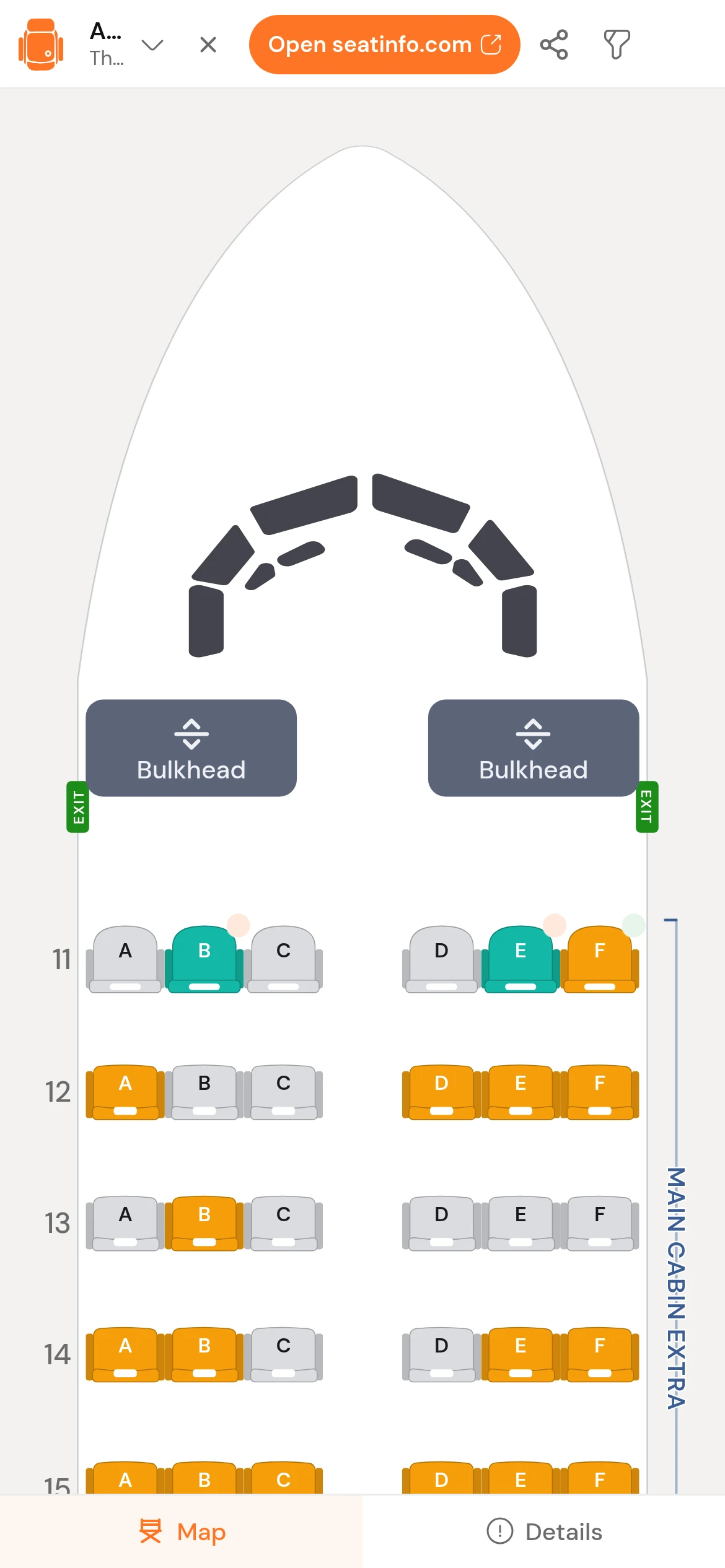
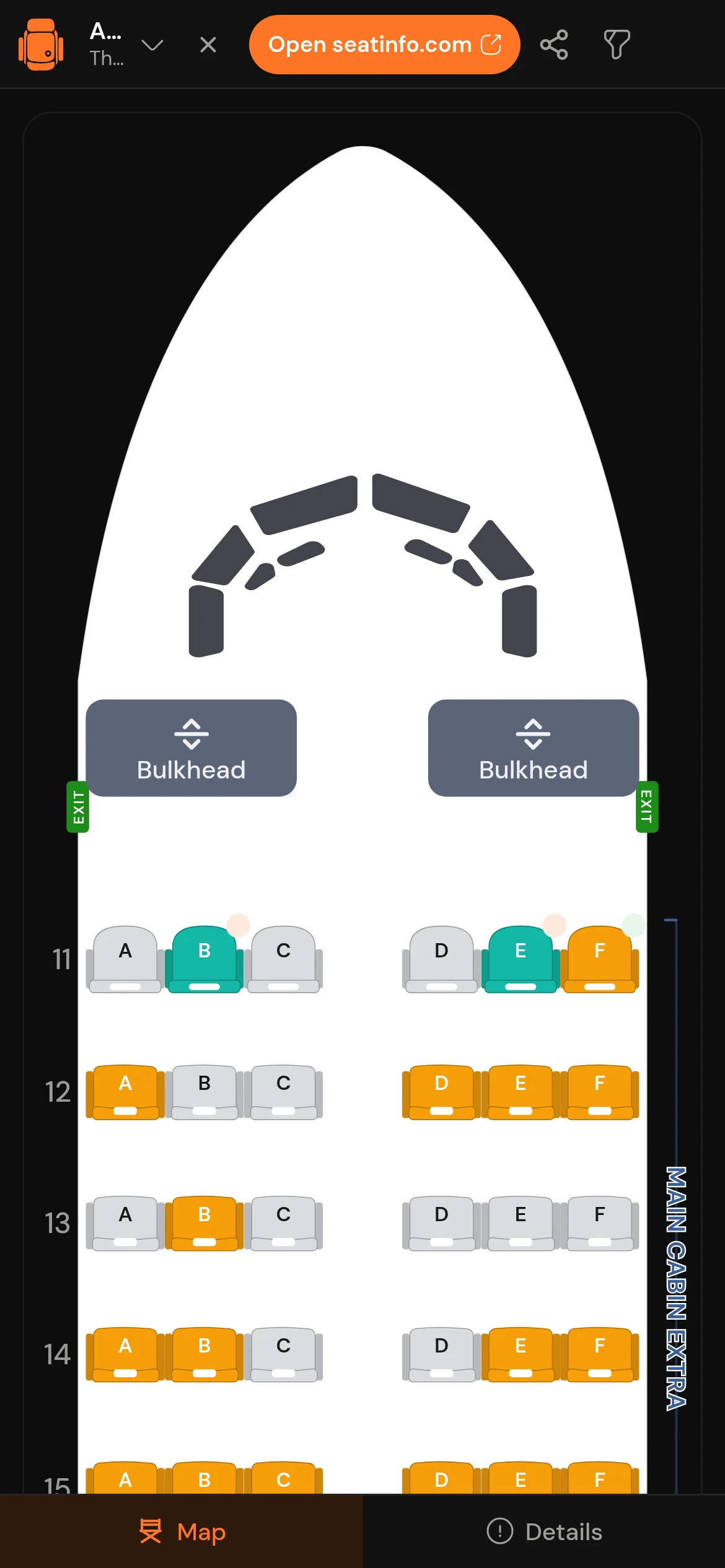
SeatInfo
@seatinfo_bot
EK 502, 20 Sep
EK 502 · DXB to BOM
Airbus A380-800, two decks, 14 rows of business up front.
Open the seat mapSend a flight number, or tap the menu button. The bot answers with the aircraft it found and one button.

What the bot gives you
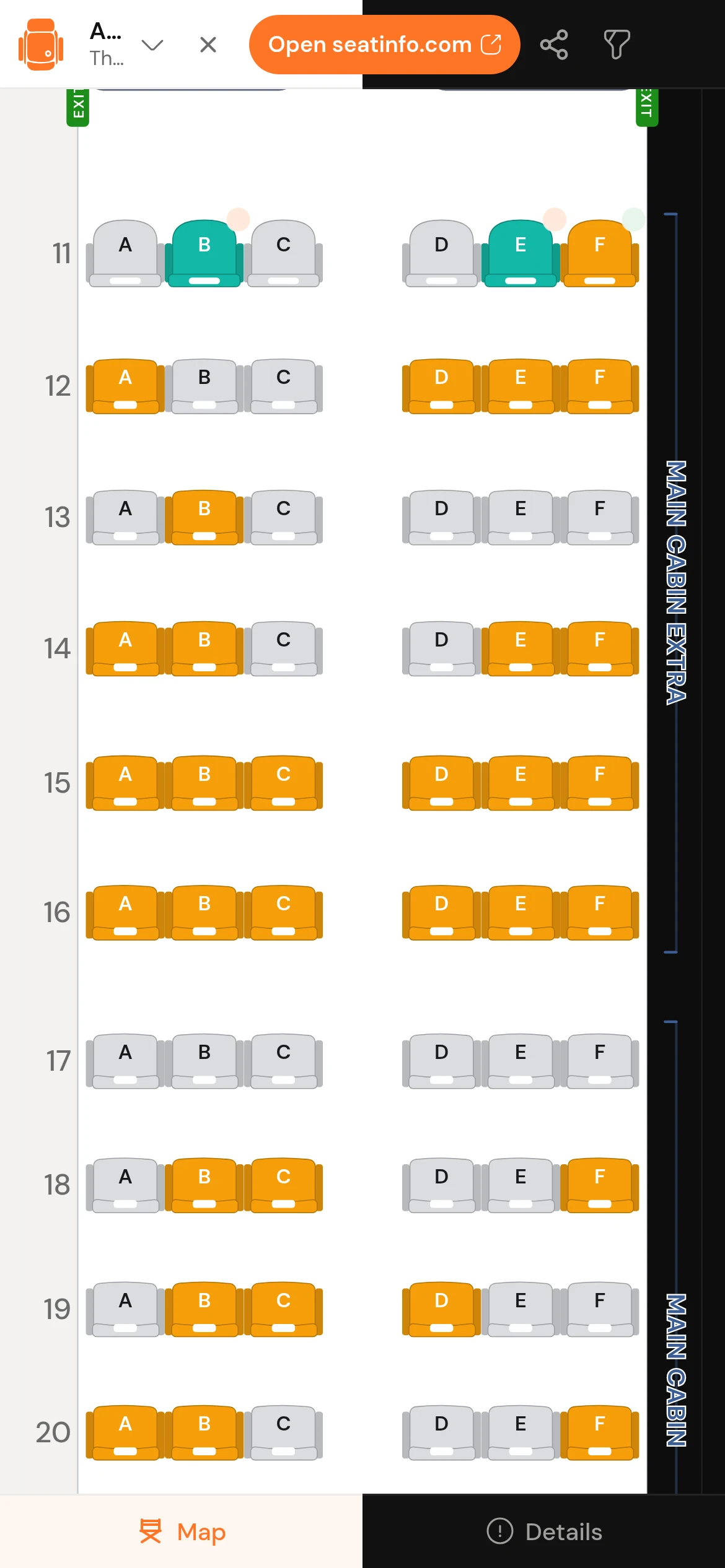
The full seat map, not a cut-down version of it. Connections, ratings, filters and live availability all come across.
Every seat, with a reason
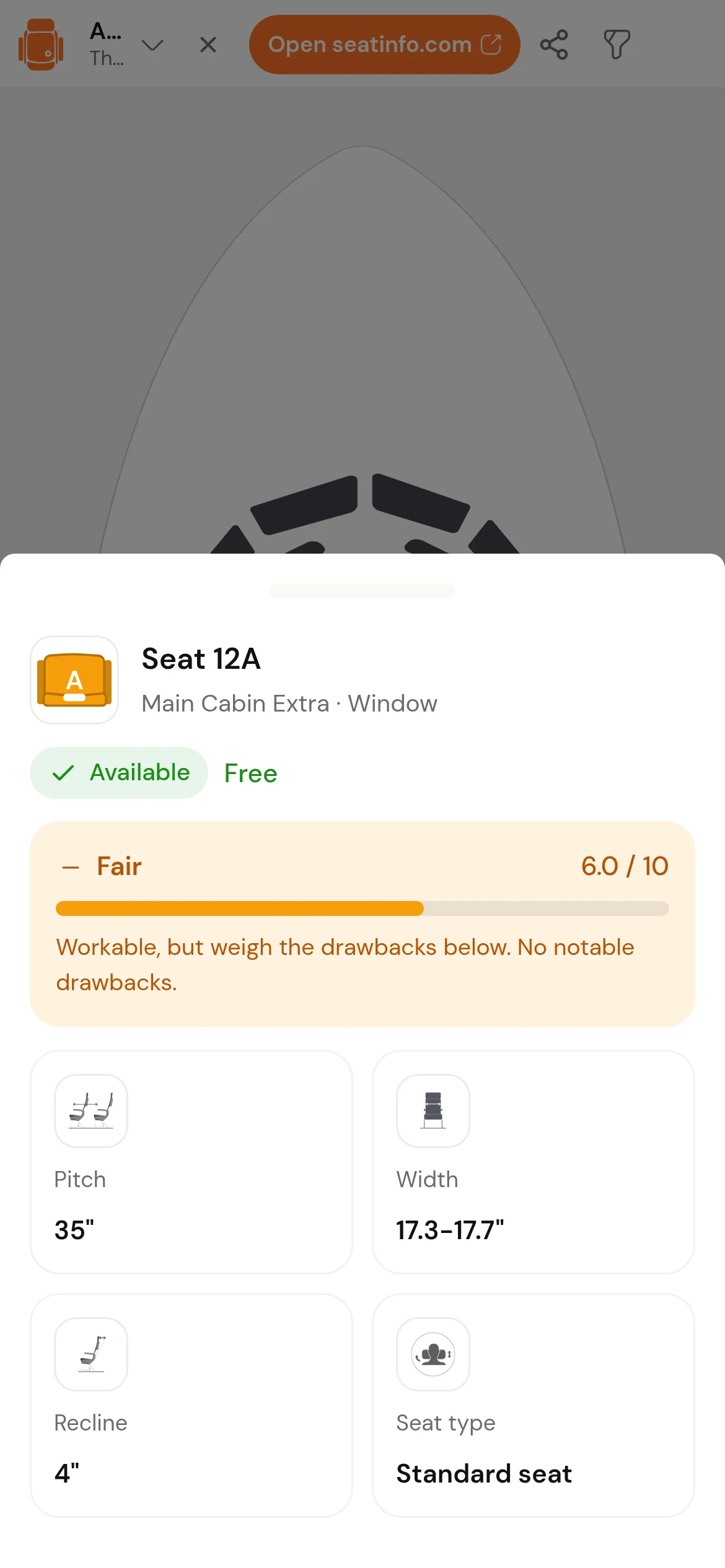
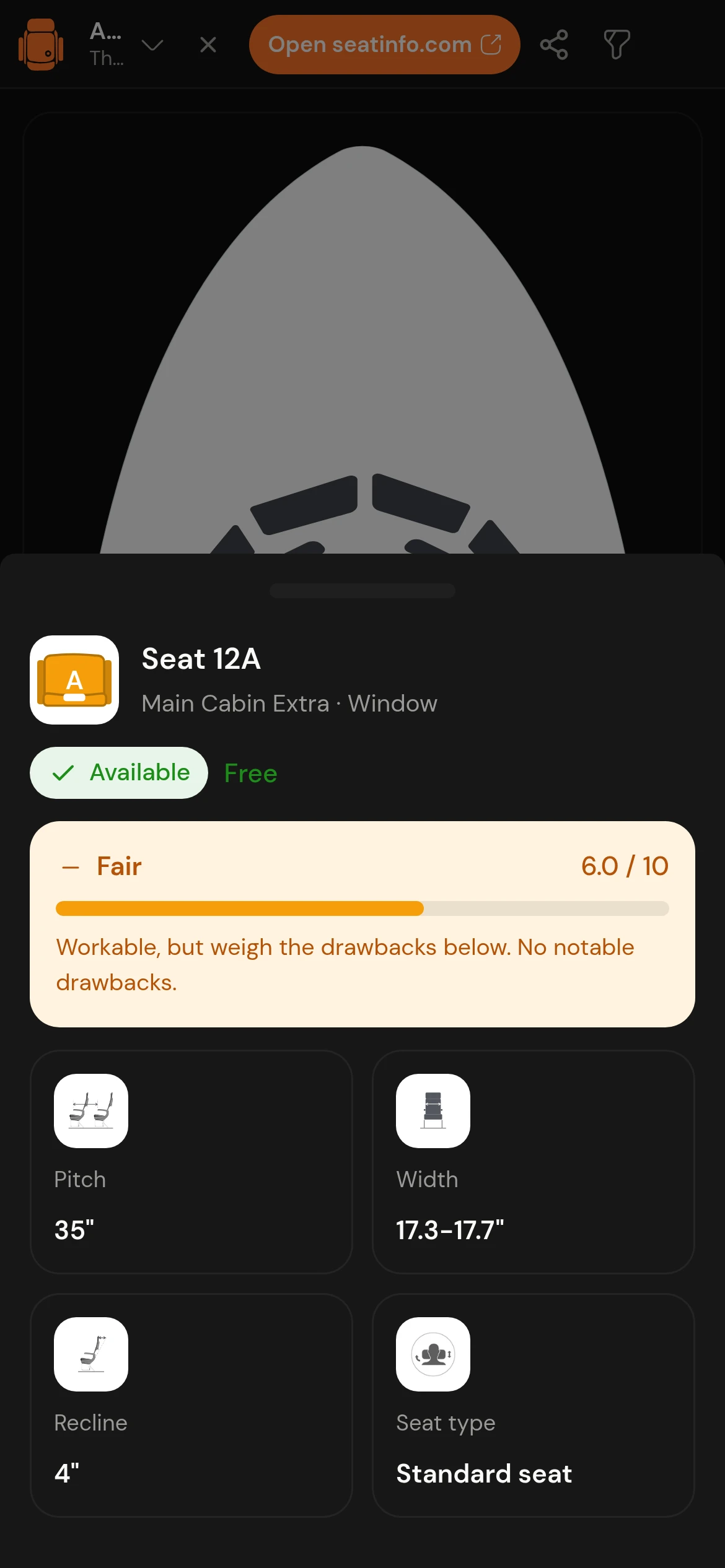
Tap any seat for its rating, pitch, width and recline, plus the things a seat chart never tells you: a misaligned window, a wall where the recline should be, the galley two rows back.
The whole itinerary, leg by leg
Connecting flights arrive as tabs. Each leg keeps its own aircraft, cabin and ratings.
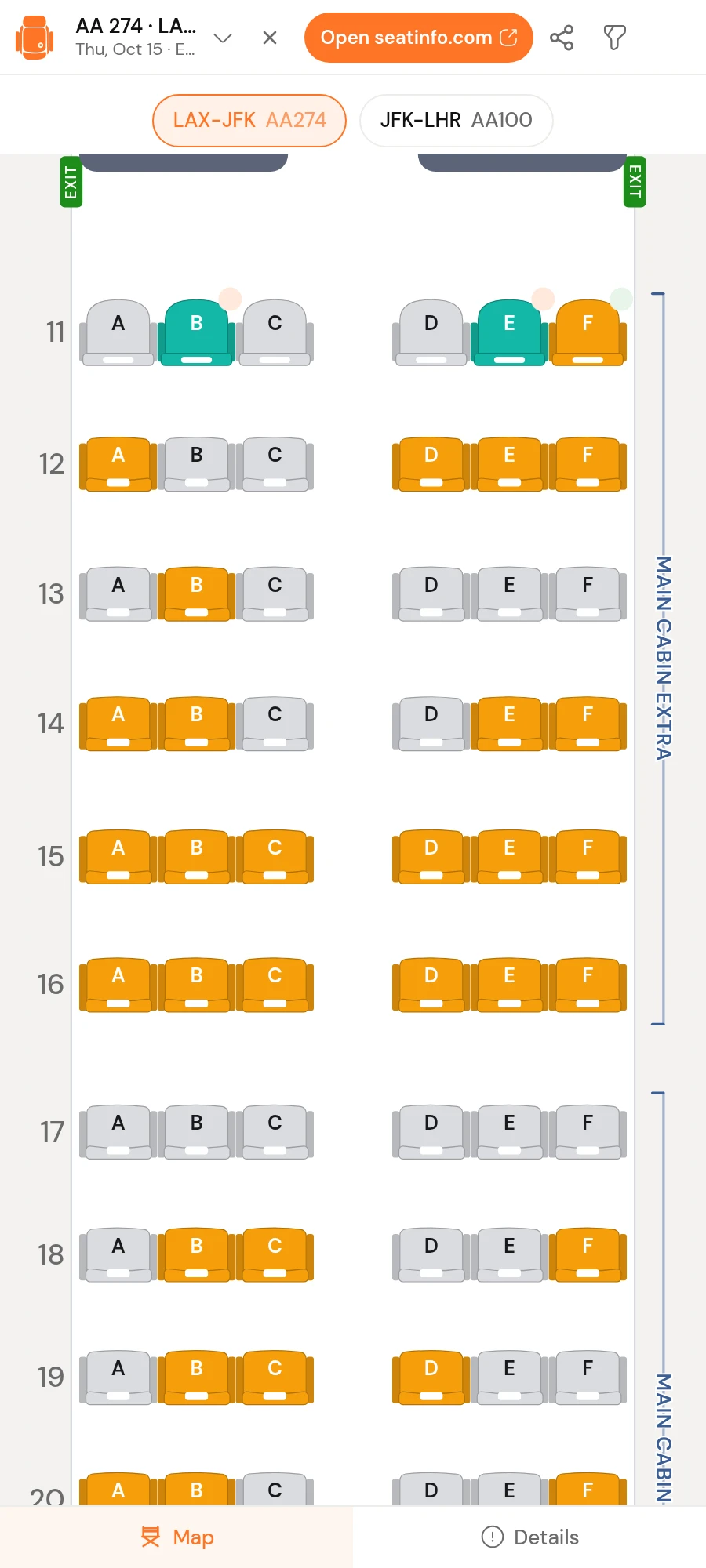
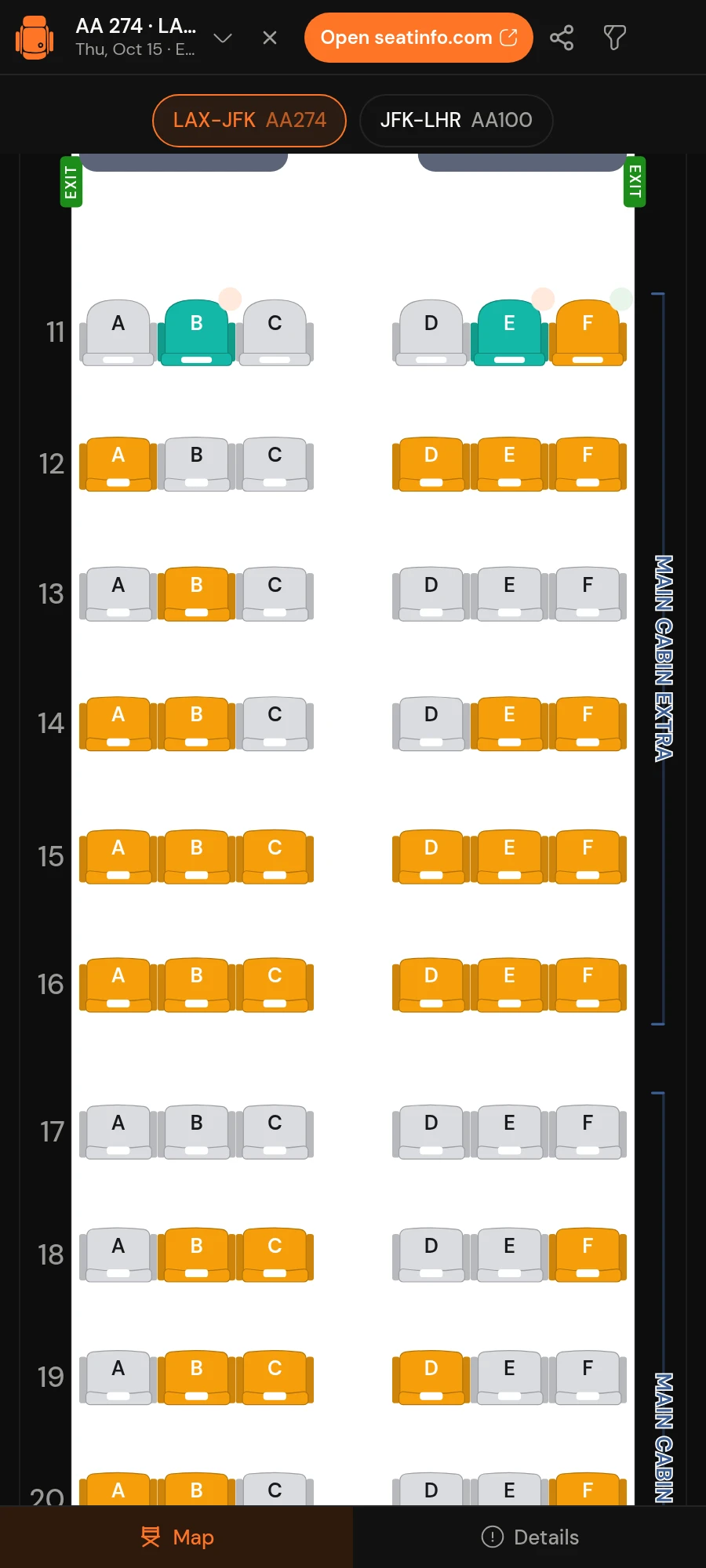
Pro travels with you
Live seat availability and cabin filters unlock from the subscription you already pay for.
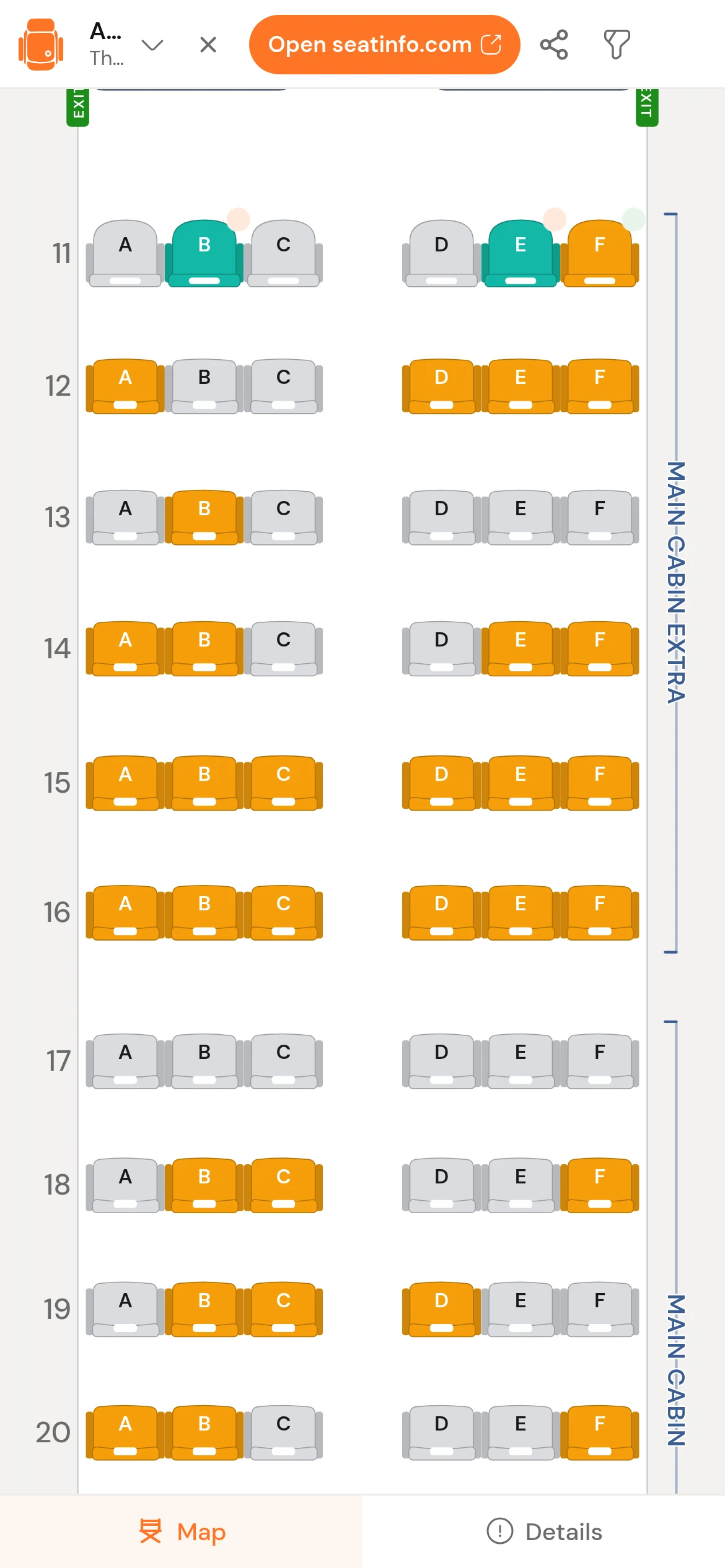
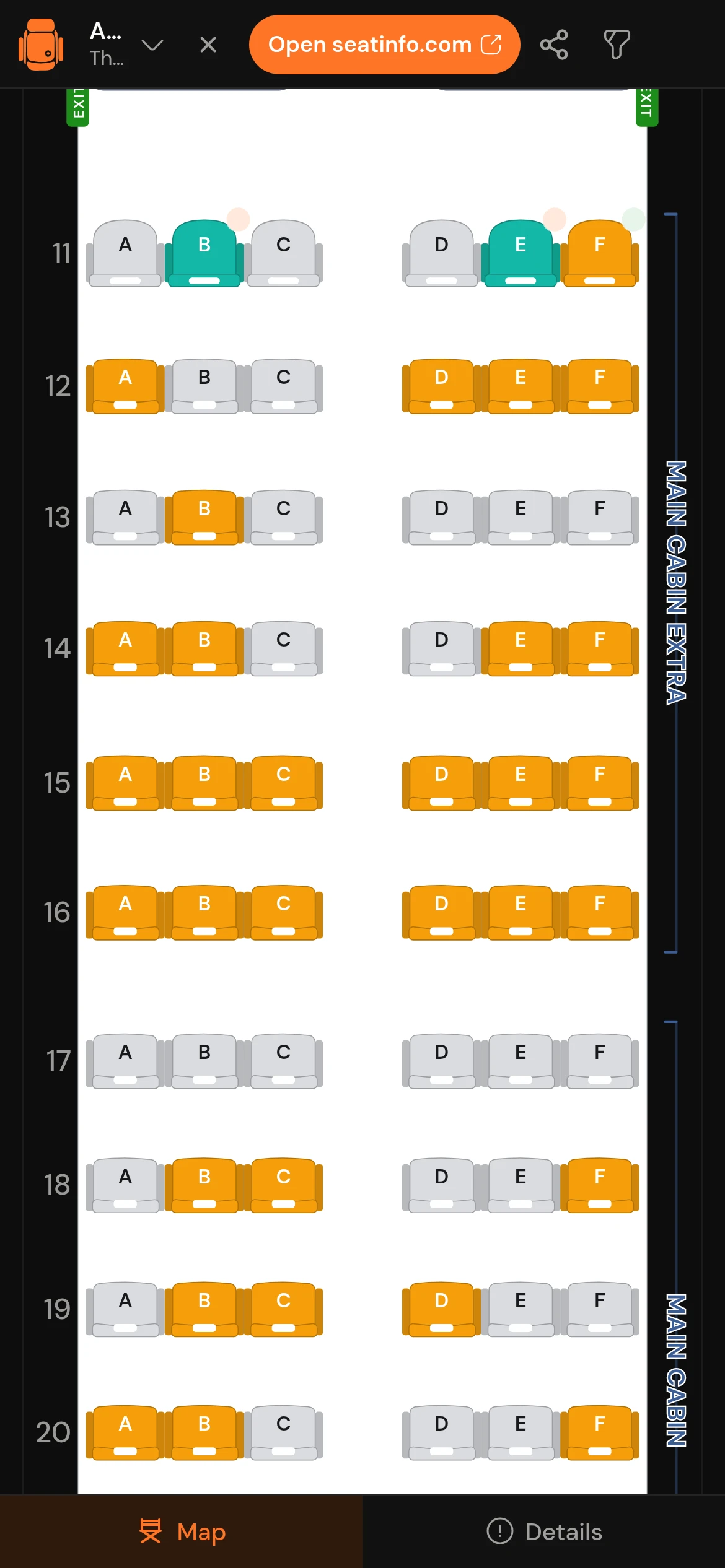
Your account, not a new one
Sign in with your SeatInfo email and a one-time code. Your Telegram profile is never a login.
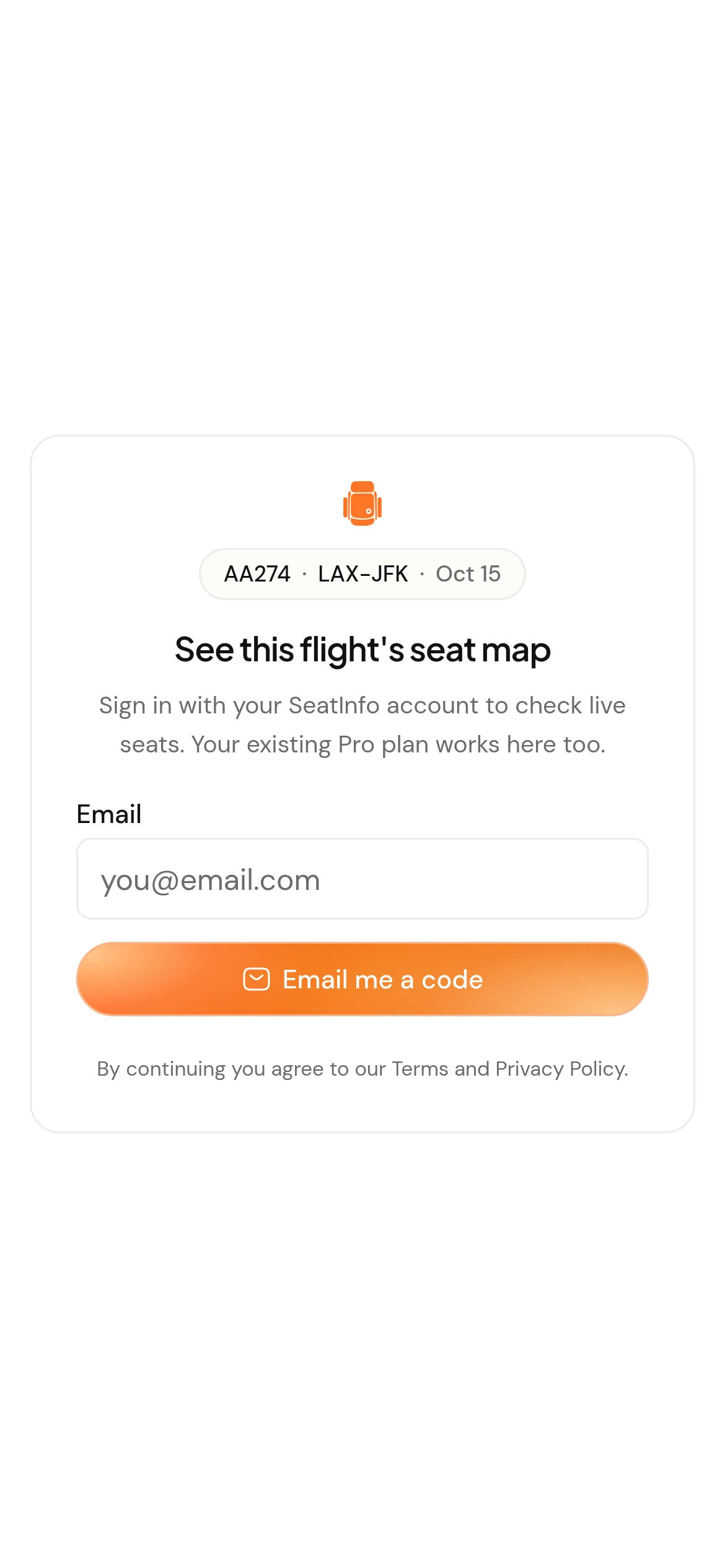
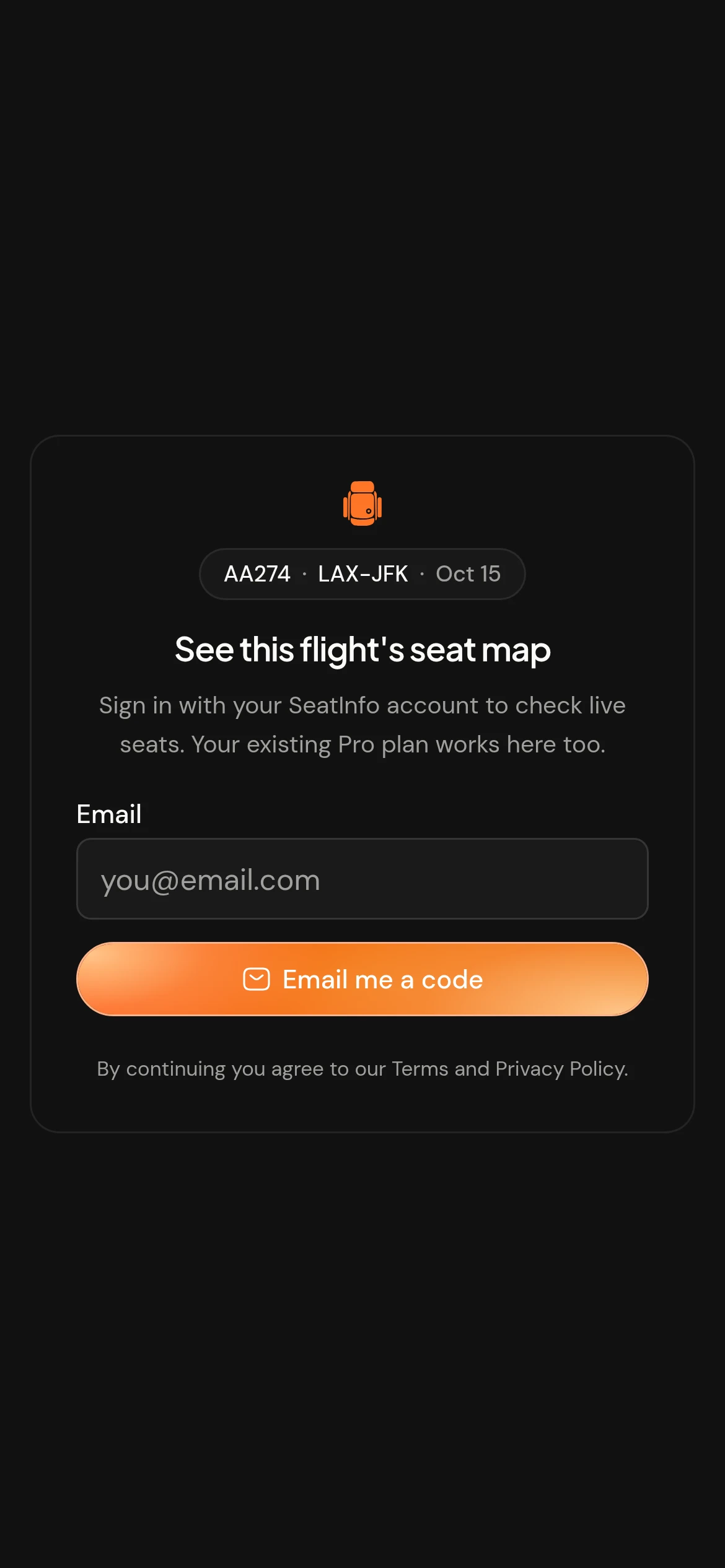
Built for the Telegram frame
Telegram's light and dark themes, the native back button, and safe areas that clear the notch.
What the bot cannot do
Read the privacy policyIt cannot read your chats
The seat map is a web page Telegram opens in a frame. Your messages, contacts and history stay out of reach.
It only sees the flight you send
A flight number, a date and a route. That is the whole request, and it goes to the same API the website uses.
It never posts for you
Nothing is sent to your chats or your groups. You open it, you read a seat map, you close it.
From a chat to your seat
Four steps between opening Telegram and knowing which row you are in.
- 1
Start the bot
Open the SeatInfo bot in Telegram and tap Start, or open the same seat map in a browser tab to try it first.
- 2
Sign in with your email
Enter your SeatInfo email and the one-time code we send. An account you already have is recognized right away, plan included.
- 3
Send your flight
Airline, flight number and date. We resolve the aircraft actually scheduled to operate it, not the one the airline usually flies.
- 4
Read the map
Zoom into the cabin, check what each seat is like, and with Pro see which seats are still open.
About the SeatInfo bot
How the bot, signing in, Pro access and privacy work inside Telegram.
No. The bot uses the same SeatInfo account you use on the website. Sign in with your email and a one-time code, and everything you already have applies.
More seat tools
Know the cabin first
The tools are sharper when you can see the map. Browse the aircraft you are flying, then run the numbers.

Better seats, inyour inbox
Seat tips and newly mapped aircraft, one email a week.
Unsubscribe anytime. We never share your email.