
See any flight's seat map without leaving your search
SeatInfo adds a See seats button to Google Flights. Open the side panel and get the live, to-scale cabin for the exact flight you are looking at, no new tab, no retyping the flight.
 Google Flights
 Booking.comSoon
 KayakSoon
 MomondoSoon
Built for Chrome and Edge. Free with a SeatInfo account; live seat availability requires Pro.
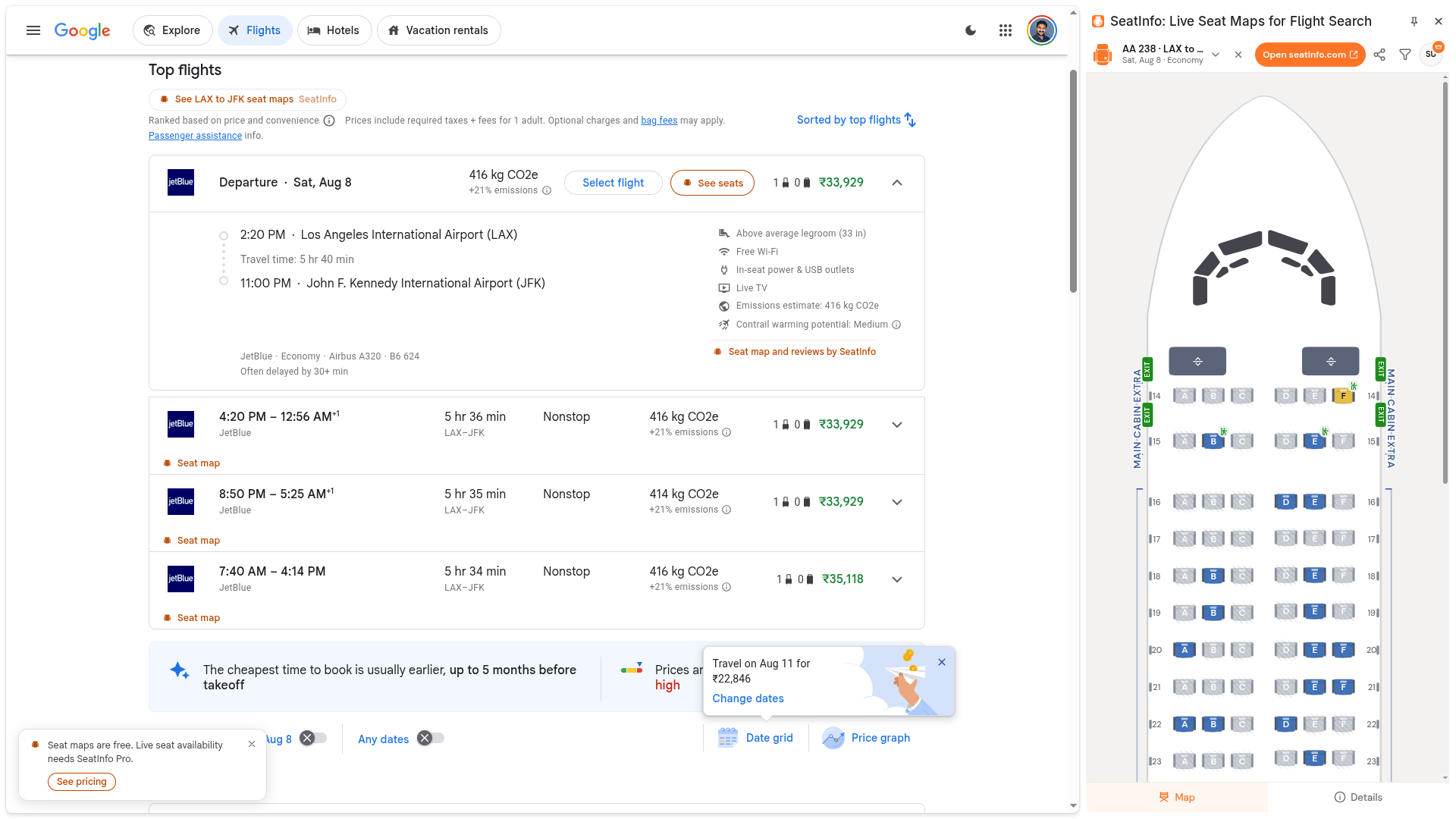
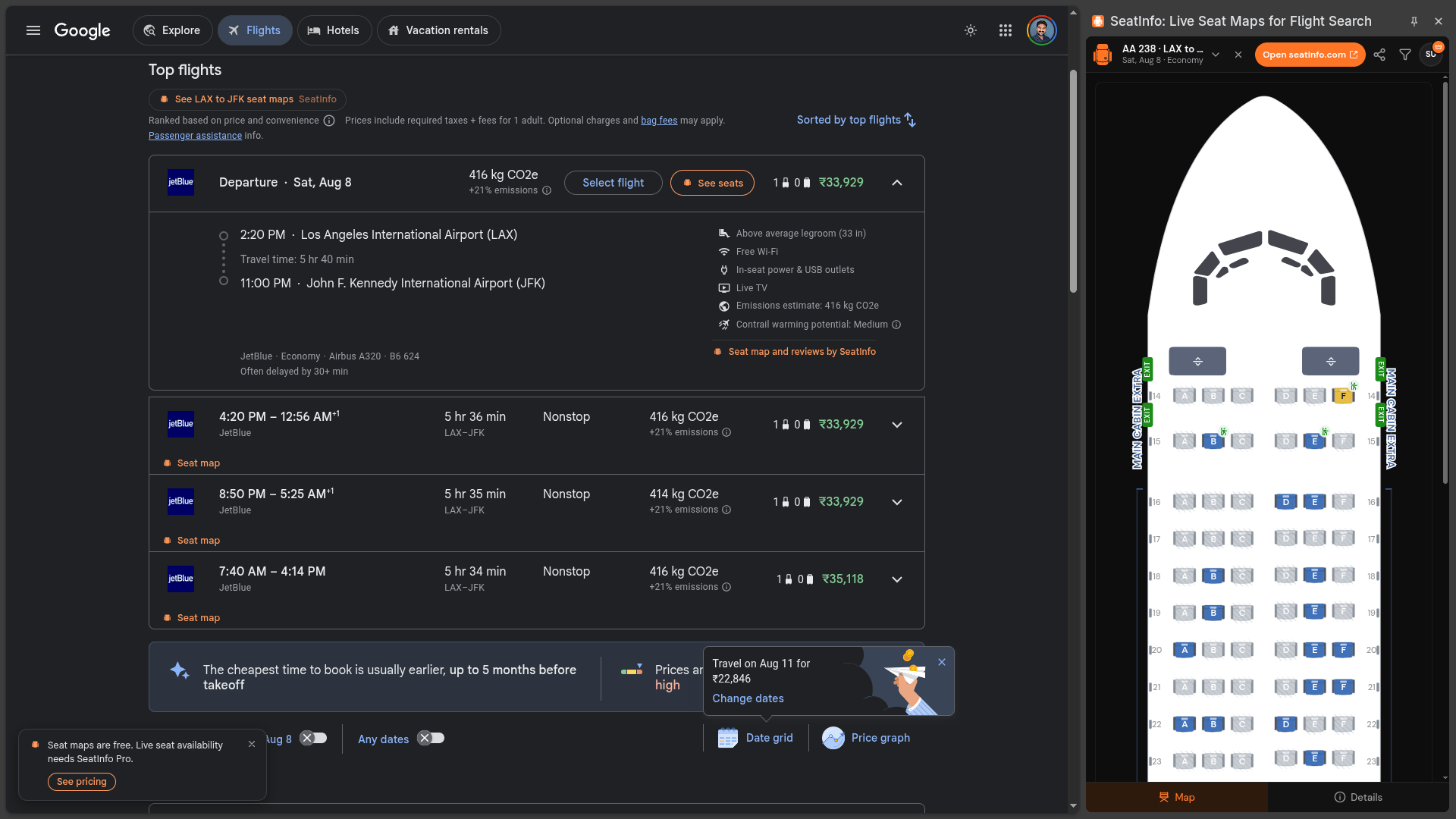

From a flight result to its seat map
Three steps, all without leaving Google Flights.
- 1
Search as usual
Look up a flight on Google Flights the way you always do. A See seats button appears on every result.
See seatsSee seats - 2
Click See seats
The SeatInfo panel slides in on the right, already loaded with the exact flight and date from that result.
See seatsSee seats - 3
Read the cabin
See the to-scale seat map, seat ratings, and filters for every cabin, plus live seat availability with Pro, then pick your seat with confidence.
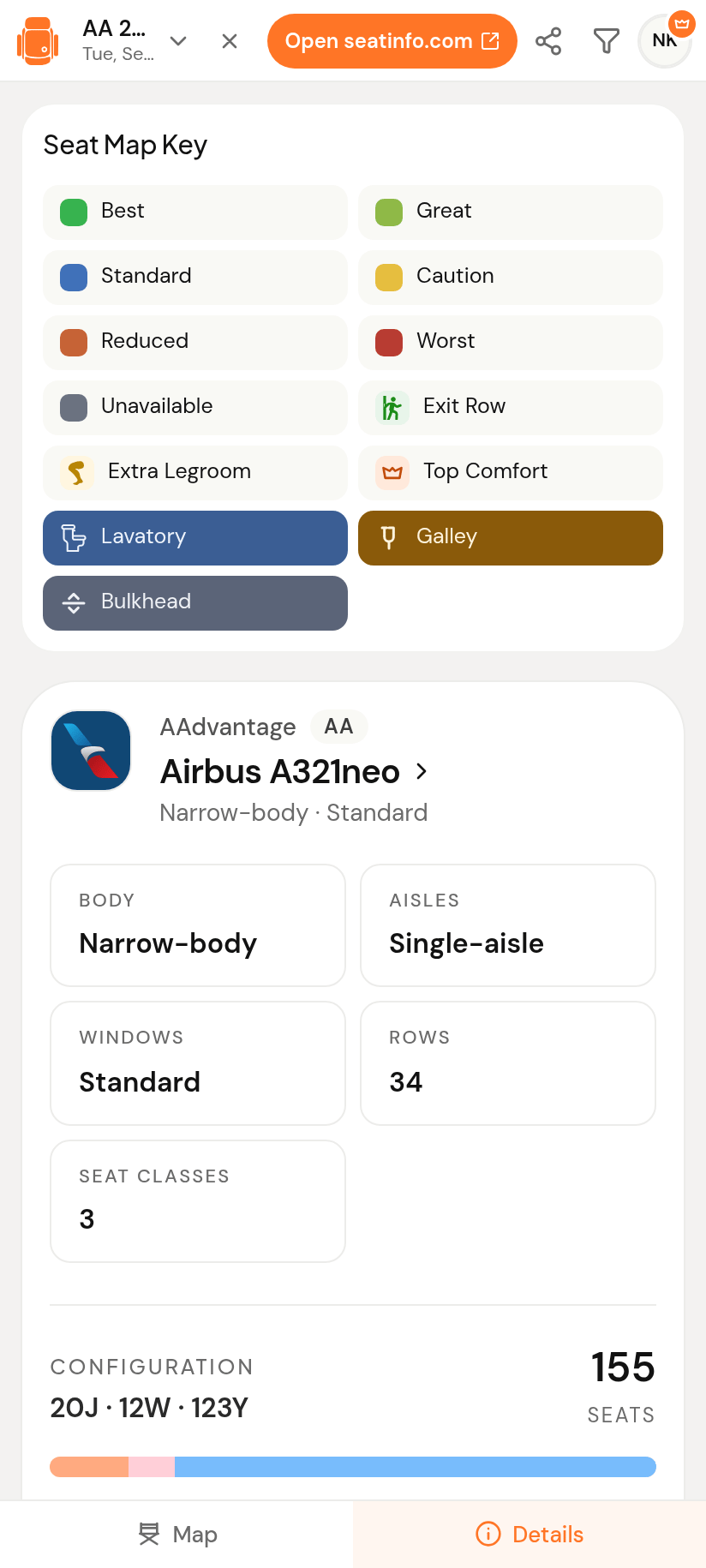
Everything the panel gives you
The full SeatInfo seat map, sized for the side panel.
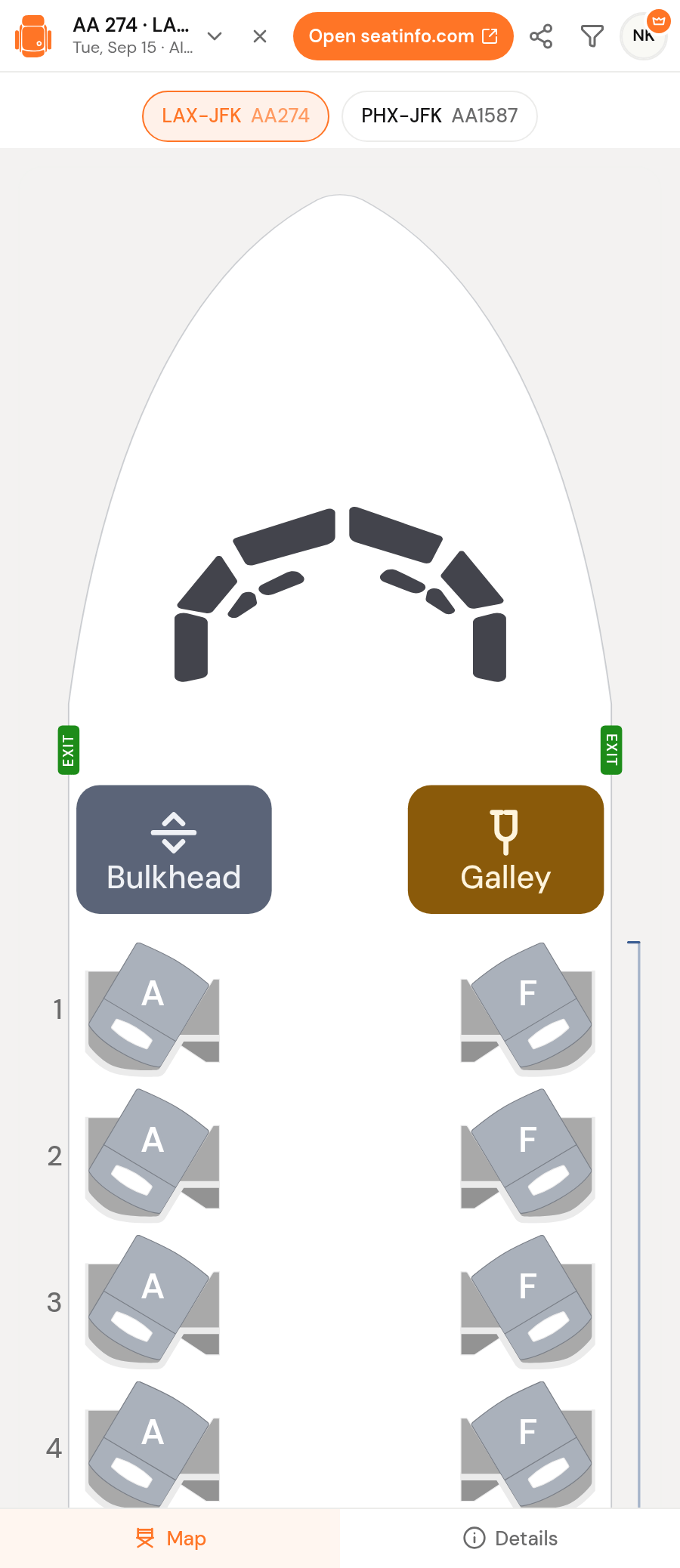
Connections handled
Multi-leg itineraries get a segment switcher, so each aircraft has its own map.
Seat ratings and warnings
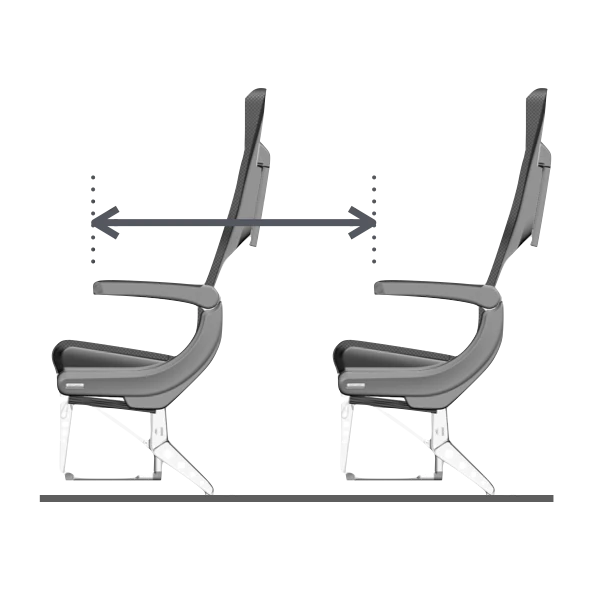
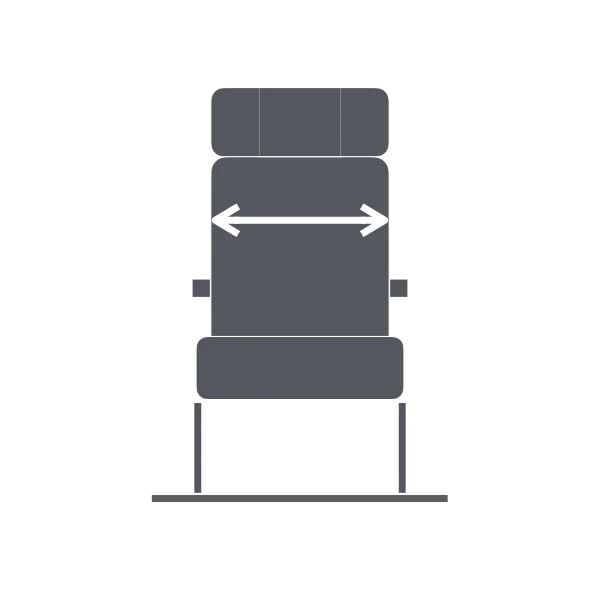
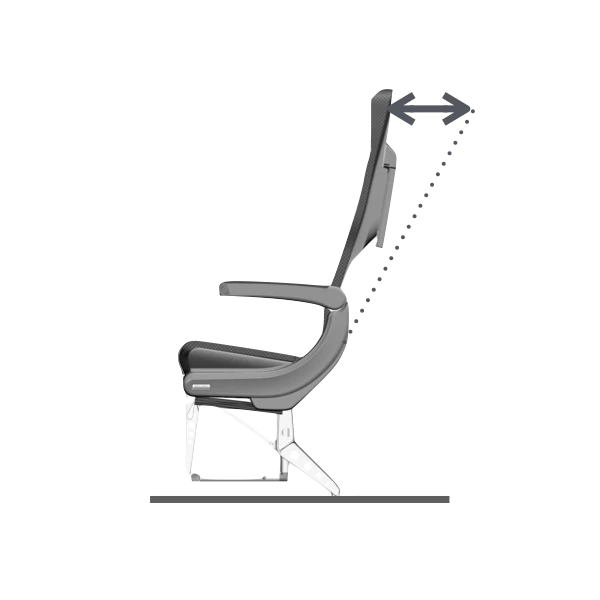
Legroom, window alignment, recline, and proximity flags, seat by seat.
Smart filters
Filter to open aisle seats, extra legroom, or quiet rows to find the best seat fast.
Live, to-scale seat map
The real cabin drawn to scale, free for every signed-in user. Pro adds live seat availability for the flight you are viewing.
Seat maps are free. Pro adds live availability.
The extension is free to install, and any signed-in SeatInfo user can open the seat map for a flight with every cabin visible. Live seat availability in the panel comes with SeatInfo Pro, the same account you use on the web.
Free with a SeatInfo account
- Every to-scale seat map, with every cabin visible
- Seat ratings and warnings, seat by seat
- Smart filters for legroom, windows, and quiet rows
- A segment switcher for connecting itineraries
Everything in Free, plus
- Live seat availability on the map, seat by seat
- Cabin view matched to the class you searched
- One Pro account across seatinfo.com and the panel
Put the seat map where you search
Install the extension and never book a seat blind again.
Built for Chrome and Edge. Free with a SeatInfo account; live seat availability requires Pro.